KR
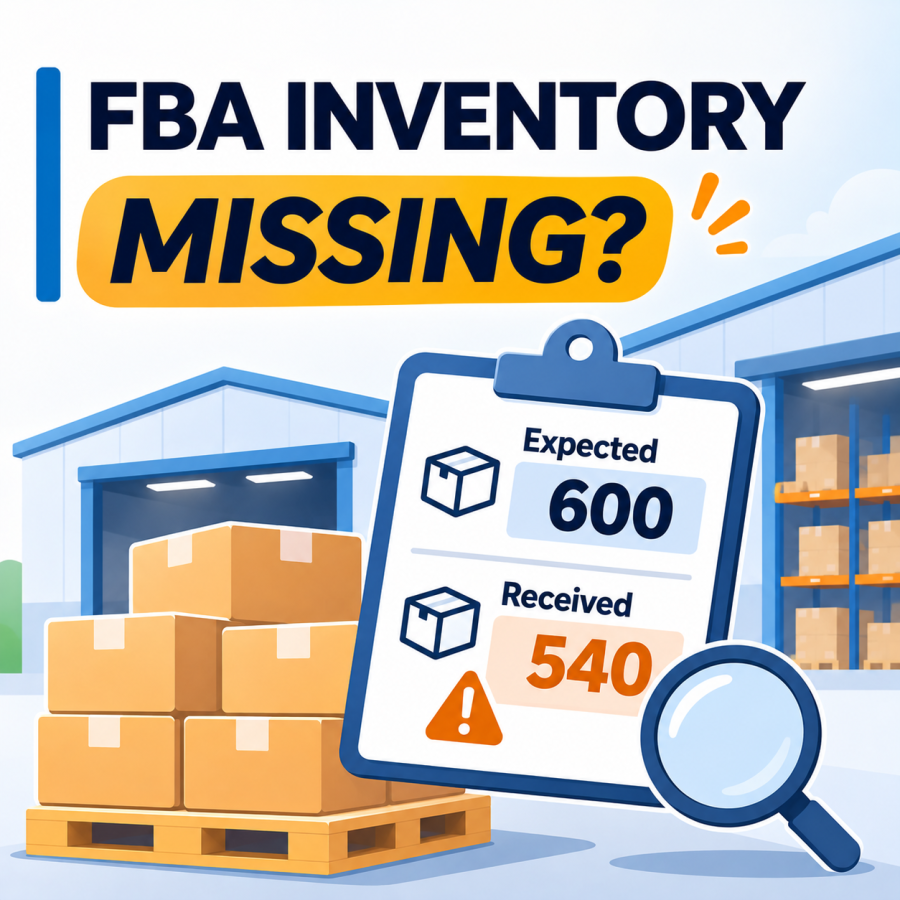
You shipped 600 units to an Amazon fulfillment center. The tracking says delivered, but Seller Central shows 540 received. Or the shipment has been sitting in “Receiving” for weeks. An Amazon FBA receiving discrepancy is stressful because the missing units are not sellable, and the answer is not always obvious.
This guide walks through a practical way to investigate: where to look first, which documents to gather, how to compare what you declared with what Amazon counted, how to submit a case, and what your 3PL or prep warehouse can contribute. It focuses on investigating a receiving problem, not on how to prepare an FBA shipment in the first place.
Amazon’s inbound shipment and reimbursement policies may change over time. Always confirm current reconciliation procedures, documentation requirements, and deadlines directly in Seller Central.
What Counts as a Receiving Discrepancy?
A receiving discrepancy is a difference between what you say you shipped and what Amazon records as received. Common forms include:
- Fewer units received than shipped
- More units received than shipped
- Units received under the wrong product or not matched to your listing
- A shipment that stays in “Receiving” long after delivery
- Units that Amazon could not process because of labeling, packaging, or box content problems
Step 1: Check Where the Shipment Is Before You Escalate
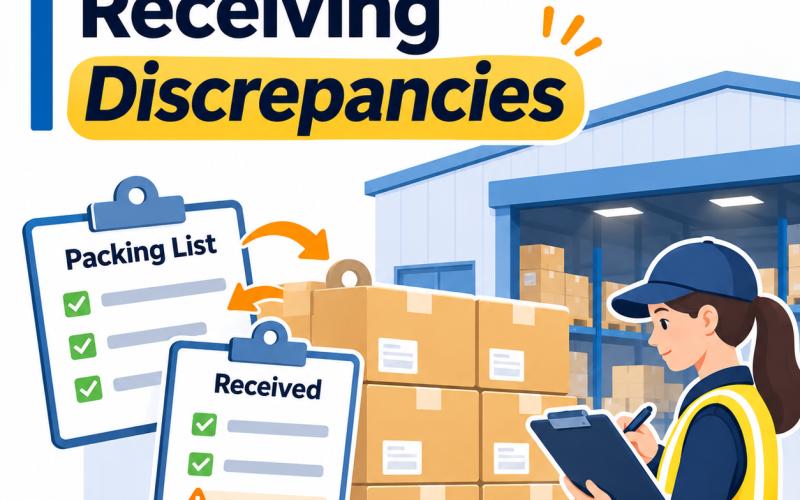
Amazon shipments move through several processing stages, including Delivered, Checked In, Receiving, and Closed. A delivered shipment may still be waiting for check-in or inventory processing. Processing times vary by fulfillment center, shipment type, and operational volume. Sellers should review the shipment’s current status and reconciliation eligibility in Seller Central rather than relying on a fixed number of days.
To see details, open the shipment in Seller Central’s Shipping Queue and select Track shipment. The shipment summary shows shipment events and a Contents tab with received quantities, which is where a discrepancy typically appears.
Also remember that a shipment split across several fulfillment centers is processed separately at each one, so one part of your shipment may be received before another.
Step 2: Gather Your Identifiers and Proof of Delivery
Before you open a case, collect the following:
- Shipment ID (the FBA shipment ID) and any shipment-level reference, such as the Amazon reference number (ARN) for freight shipments
- Tracking numbers for each box, or the carrier’s PRO number and bill of lading for LTL pallets
- Proof of delivery (POD). Amazon’s blog says to provide proof of delivery along with proof of inventory ownership when requesting research. For pallet freight, this is usually a carrier-issued delivery receipt showing the delivery date and signature.
- Supplier invoices showing purchase date, quantity, and both parties’ names and addresses
- Packing slips, and photos of the boxes and labels if you have them
Amazon staff posts list invoices, packing slips, proof of delivery, and photos as the documents typically requested. Requirements can vary by case.
Proof of delivery confirms the carrier’s reported delivery, but it does not independently verify the number of sellable units inside each carton. Supplier invoices, packing records, and warehouse outbound documentation may be needed to support the quantity claimed.
Step 3: Compare What You Declared with What Amazon Counted
Open the Contents tab or the Shipment Reconciliation view and compare units expected with units located, by product. Then check these common causes.
Box content information. In Send to Amazon, you declare units per box, weight, and dimensions. An Amazon staff post says that each box should contain exactly what was declared, and that a mismatch can trigger manual verification. Check that the declared quantities match the physical boxes, including units per carton and number of cartons.
Inner cartons. If a master carton holds inner cartons or inner packs, check that the units per box you declared reflect the total units, and review Amazon’s requirements for case-packed items and multipacks. A count that is correct in your warehouse may be declared differently in the shipment plan.
FNSKU and barcode. Each sellable unit must meet Amazon’s applicable barcode identification requirements. Depending on the product and fulfillment settings, Amazon may require an Amazon barcode (FNSKU) rather than a manufacturer barcode. Shipping boxes must also carry the appropriate Amazon shipment labels according to the selected inbound workflow. Amazon staff note that missing or unscannable labels force manual processing, and labels that do not match the system can delay receiving. Check label placement, print quality, and whether any conflicting barcode was left uncovered.
Packaging and prep. Items that are not packaged or prepped to Amazon’s guidelines can be refused, and Amazon’s staff post notes that non-compliant packaging may lead to refused items or unexpected prep fees.
Restricted products. Products subject to extra review can take longer to receive.
Step 4: Use Reconciliation and Submit a Case
When a shipment becomes eligible for reconciliation, Seller Central may provide an option to investigate discrepancies or request research. The available actions and required documents can vary by shipment status, fulfillment workflow, and Amazon’s current policies. Follow the instructions displayed for the affected shipment. Amazon’s seller blog describes providing proof of inventory ownership and proof of delivery when requesting research, and responding promptly to any follow-up requests. Read each option carefully and choose the one that accurately describes your shipment.
Practical tips for the case:
- Use the shipment ID and list the affected products with quantities shipped and received
- Attach one organized set of documents, with files named by shipment ID
- Keep explanations short and factual
- Track the case in your Shipping Queue and in notifications
Amazon may investigate a discrepancy, locate additional units, adjust inventory records, or determine whether reimbursement is available under the applicable policy. Investigation times and reimbursement eligibility vary. Sellers should review the current claim submission window and required documentation in Seller Central as soon as a discrepancy becomes eligible for investigation. Check Reports > Fulfillment for reimbursements.
Sellers in the forums also report that some cases are denied or partially reimbursed, so complete documentation matters.
What Your 3PL Can Provide
If your units were prepared and shipped by a 3PL or prep warehouse, the warehouse’s records often make the difference between a strong case and a weak one. Useful records can include:
- The shipment plan and box content information used when the shipment was created
- Packing lists with carton counts and units per carton
- Pallet counts, the bill of lading, and the carrier pickup record
- The carrier’s tracking and delivery information
- Photos of labeled cartons and pallets before pickup, if the warehouse takes them
- A record of FNSKU labeling or prep work performed
Not every warehouse keeps all of these, and photos are not automatic everywhere. Agree in advance which outbound records will be kept, who stores them, and how quickly they can be provided.
Amazon FBA Receiving Investigation Checklist
- Shipment status and reconciliation eligibility checked, and the Contents tab reviewed
- Expected versus located units compared by product
- Shipment ID, tracking numbers or PRO and bill of lading, and ARN gathered
- Proof of delivery obtained
- Supplier invoices and packing slips gathered
- Box content information compared with what was physically packed
- Product barcodes (FNSKU where required) and box labels checked
- Inner cartons and units per box verified
- Warehouse outbound records requested from the 3PL
- Case submitted with organized documents, and follow-up requests answered promptly
- Reimbursements and inventory adjustments checked in reports
How to Reduce Future Discrepancies
- Make sure box content information matches the physical boxes
- Ensure each sellable unit has the barcode required by Amazon for that product, and apply the appropriate FBA shipment label to every shipping box
- Confirm prep and packaging requirements for each product
- Keep a written count and photos before cartons are sealed or palletized
- Ship in a consistent, documented way, and keep records of each shipment
Key Takeaway
When Amazon’s count does not match yours, start with the shipment status and the Contents tab, then gather proof of delivery, invoices, and your warehouse’s outbound records before opening a case. Most of the work happens before you click submit, and the clearer your documents, the easier it is for Amazon to research the shipment.
PNP LINE supports Amazon FBA sellers with FNSKU labeling, poly bagging, pallet building, shipment creation support, carrier booking, and LTL delivery to the assigned facility upon request. Shipment documentation, such as carton and pallet records or photos, can be arranged according to your requirements and the warehouse’s available capabilities. Learn more about our Amazon FBA prep services, or read how we handle FBA removal orders after they reach a 3PL.
📋 Request an Online Quote https://www.pnpline.com
Source References
- Amazon Selling Partner Blog, “How to track FBA shipments” (January 7, 2025) — https://sell.amazon.com/blog/fba-shipment-tracking
- Amazon Seller Central Forums, “How to Resolve FBA Shipment Discrepancies” (post by an Amazon-affiliated moderator account; undated) — https://sellercentral.amazon.com/seller-forums/discussions/t/83caf79b-4ca1-4e1c-9564-9f328739e0f7
- Amazon Seller Central Forums, “[April FBA Series] Receiving Discrepancies? Protect Your Stock” (post by an Amazon-affiliated account; year not stated) — https://sellercentral.amazon.com/seller-forums/discussions/t/c1268d96-3b4e-498d-aa1e-af20af93c8d6
- Amazon Seller Central Forums, “[April FBA Series] Shipment Shows ‘0 Received’? Here’s Your 3-Step Resolution Process” (post by an Amazon-affiliated account; year not stated) — https://sellercentral.amazon.com/seller-forums/discussions/t/7a710442-ed91-4519-8483-103cbfac8d2b
- Amazon Seller Central Forums, “Inbound Shipment Stuck in Receiving? Common Reasons and Next Steps” (post by an Amazon-affiliated account; undated) — https://sellercentral.amazon.com/seller-forums/discussions/t/500dccff-fcbb-4219-b795-7f759a8cb848
Disclaimer: Amazon’s inbound receiving procedures, reconciliation and case processes, reimbursement policies, and time limits change frequently and can vary by shipment type, fulfillment center, and seller account. This article is provided for general informational purposes and does not constitute Amazon-policy, legal, or accounting advice. Sellers should confirm current requirements in Seller Central before opening a case or filing a claim.
#Amazon FBA receiving discrepancy, #Amazon FBA shipment reconciliation, #FBA units missing after delivery, #Amazon FBA inbound shipment discrepancy, #FBA received quantity less than shipped, #Amazon FBA proof of delivery, #FBA box content information